

How to Refresh Your Ecommerce Store for a New Season the Right Way (2026 Edition)
A new season is the perfect excuse to give your online shop a fresh feel. Whether you’re preparing for spring, summer, autumn, Christmas, or a full 2026 refresh, a seasonal update helps your store feel current, organised, and easier for customers to shop.
Here’s how to refresh your ecommerce store for a new season, the right way.
1. Start with your hero banner
Your hero section sets the tone. If it still reflects last season, it instantly makes the whole site feel out of date. What to do:-
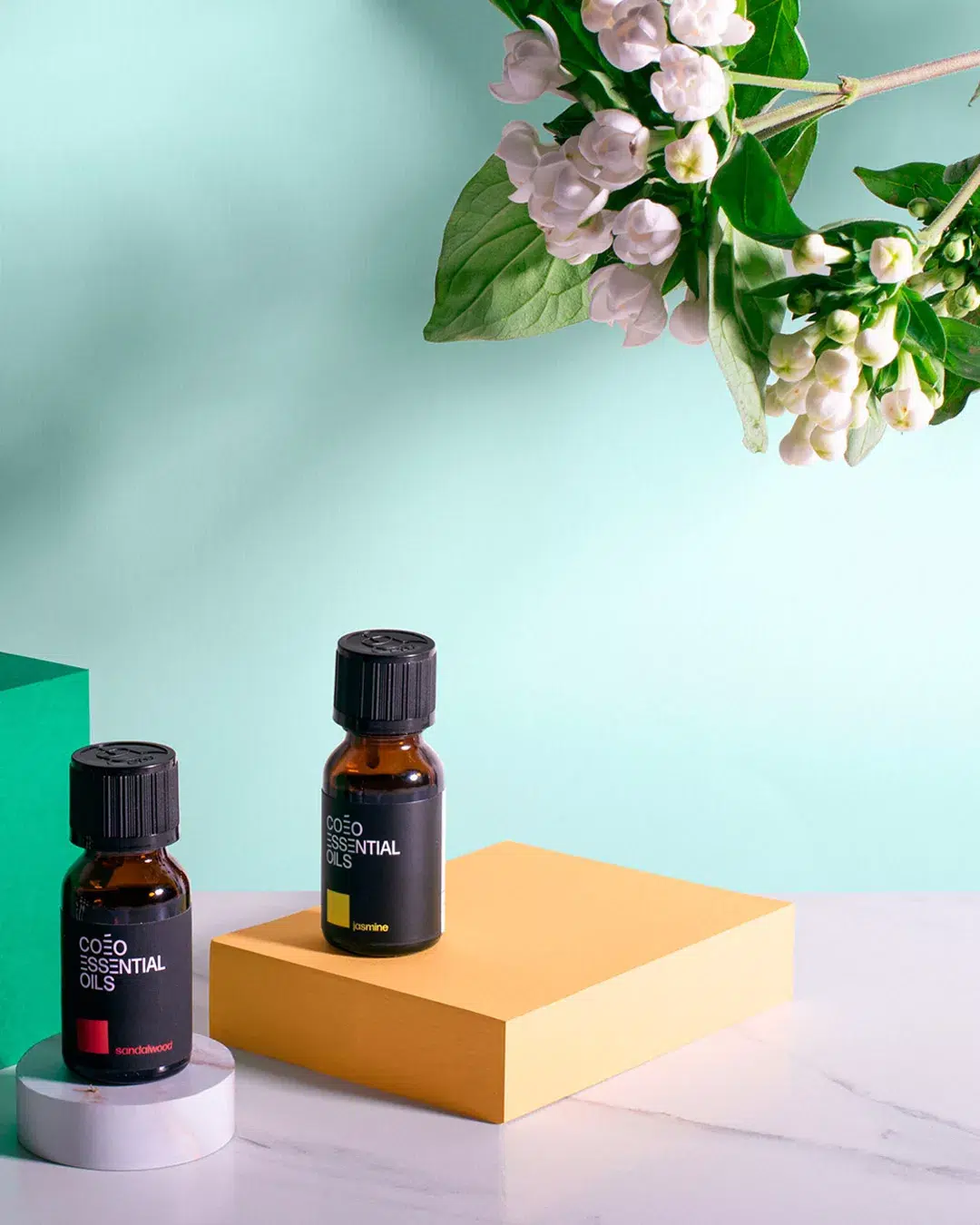
Swap in your new seasonal lifestyle image.
-
Keep the headline short and clear.
-
Add one strong, visible CTA button.
-
Make sure it crops correctly on mobile.
2. Create a seasonal collection that’s easy to shop
Instead of scattering seasonal products across your site, pull them into a single collection.Examples:
-
Spring Edit
-
Summer Essentials
-
Back to School
-
Christmas Gifts 2026
-
Winter Warmers
3. Update your navigation so seasonal items are visible
Your navigation guides your customers. When a new season arrives, update your menu so seasonal items sit near the top and are easy to tap on mobile.What to do:
-
Move your seasonal collection into your main menu.
-
Remove outdated or irrelevant links.
-
Use simple, clear labels (no vague words like “catalogue”).
4. Refresh your product photos and lifestyle imagery
Seasonal updates don’t always need a full reshoot. Sometimes swapping a few images helps your store instantly feel new.Ideas:
-
Add one new lifestyle photo to each key product.
-
Update your banner or collection headers with season-appropriate visuals.
-
Adjust your background colours for a subtle seasonal mood shift.

5. Update product descriptions for seasonal relevance
If your products change purpose seasonally (gifts, skincare, clothing, homeware), refresh your descriptions or add a seasonal sentence. Examples:- “Perfect for summer holidays…”
- “A cosy winter essential…”
- “A lovely Christmas gift for…”
6. Optimise for mobile first
Seasonal shoppers move fast. Most will be browsing from their phone. Before launching your seasonal update, check:
-
Does the banner text fit on mobile?
-
Are buttons easy to tap?
-
Are collection images the right size?
-
Does the seasonal menu item sit clearly at the top?
-
Does your checkout work flawlessly?
7. Refresh your homepage layout
A seasonal refresh isn’t only about visuals. It’s also about clarity and flow.
Make sure your homepage includes:
-
a clear hero
-
a seasonal collection
-
bestsellers
-
a brand snippet or USP section
-
reviews
-
delivery information (especially important during holiday seasons)
8. Remove out-of-date messaging and banners
Nothing breaks trust like old information.
Before your new season goes live, remove:
-
expired discounts
-
last season’s messages
-
old shipping deadlines
-
outdated announcement bar text
9. Check your apps and automations
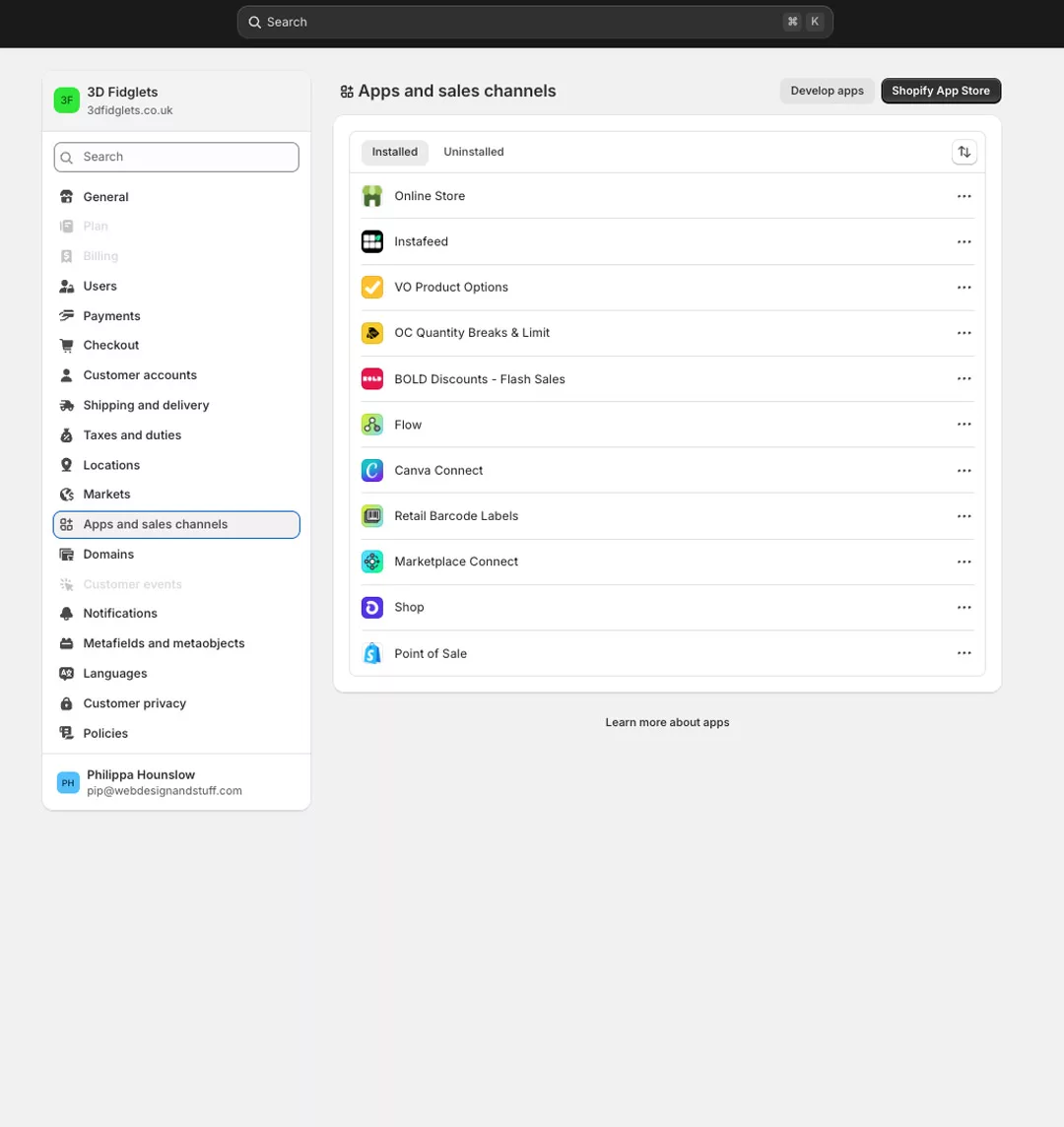
Seasonal shifts sometimes require updating:-
product recommendations
-
back-in-stock alerts
-
bundles
-
gift wrapping
-
pop-ups
-
email flows connected to collections

If you want your store ready for 2026 with a clean, seasonal refresh that feels easy and effortless for your customers, You can check out my Refresh service here.